SMTP
Data synchronization using email through SMTP.
Accessing this specific synchronization option the following items are requested:
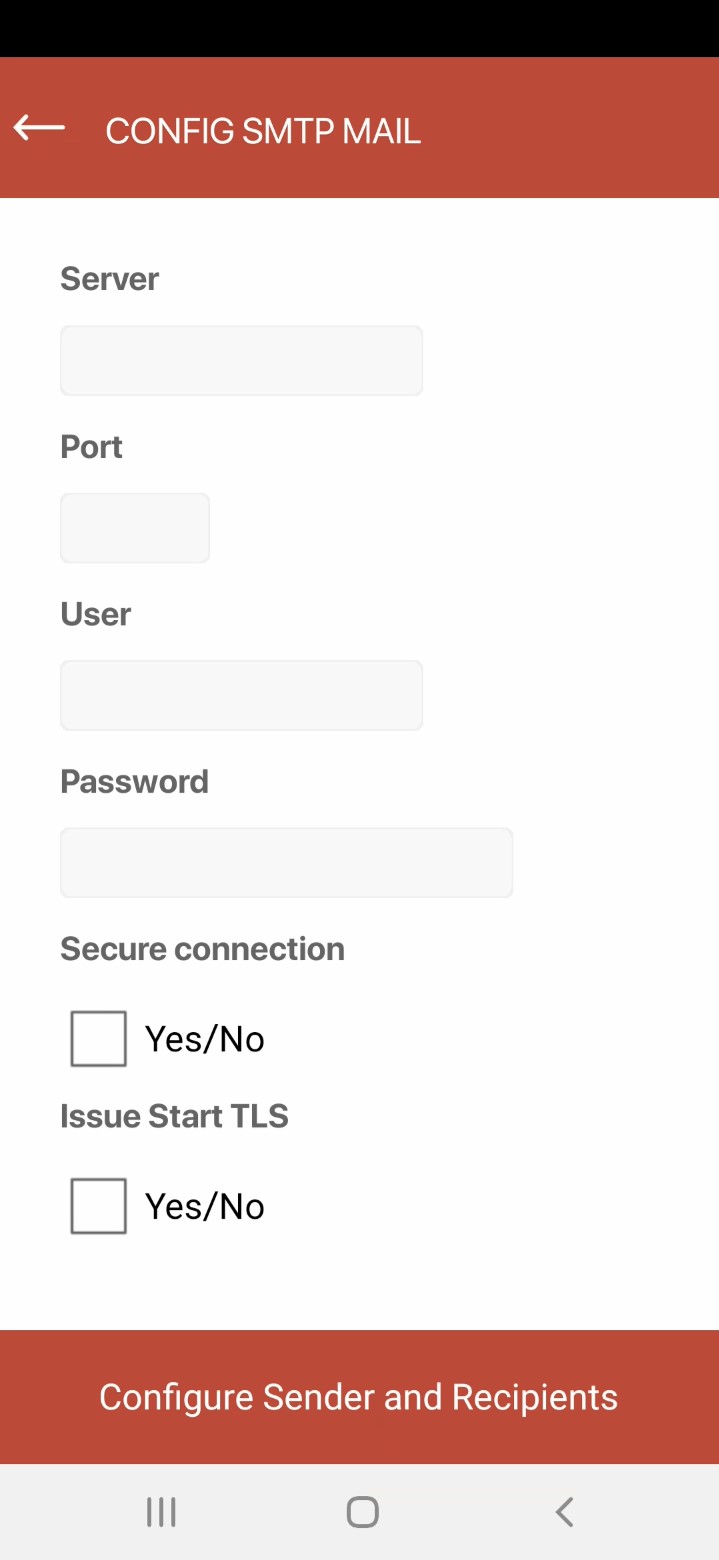
- Server and Port - SMTP server and port.
- User and Password - User name and password of SMTP server.
- Secure Connection - Define security connection parameters (depend of the server configuration).
- Issue Start TLS - You can choose yes or no
At the base there is a button to configure the sender and the recipients (list of users to send collected data). Clicking the following appears:
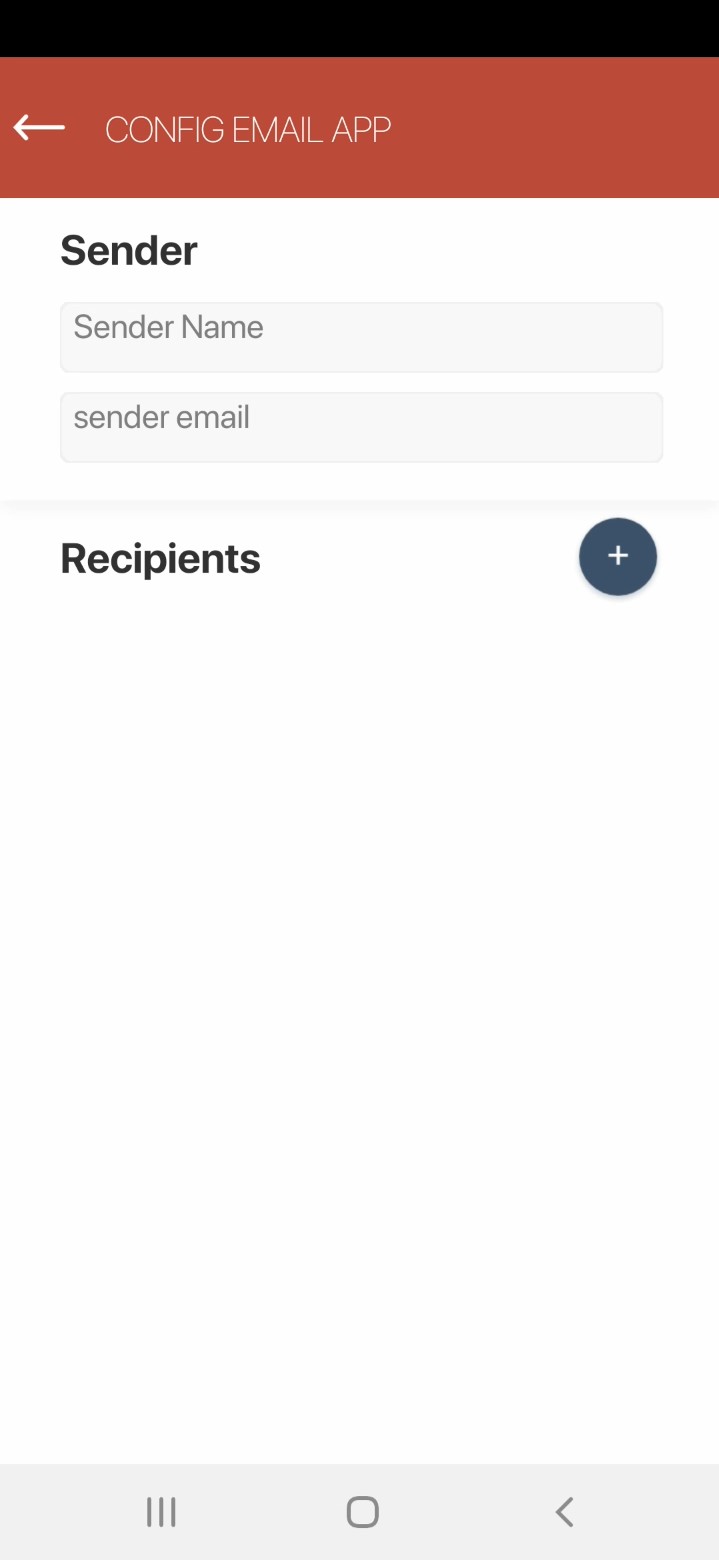
info
This screen is similar to the one for sending data using the native email application.