Regular
The process of creating a new project by the regular mode follows the following procedures:
To create a new project you can access the menu via the following path:
File > New Project
Then, a window appears with a set of questions that will assist in the creation of the project.
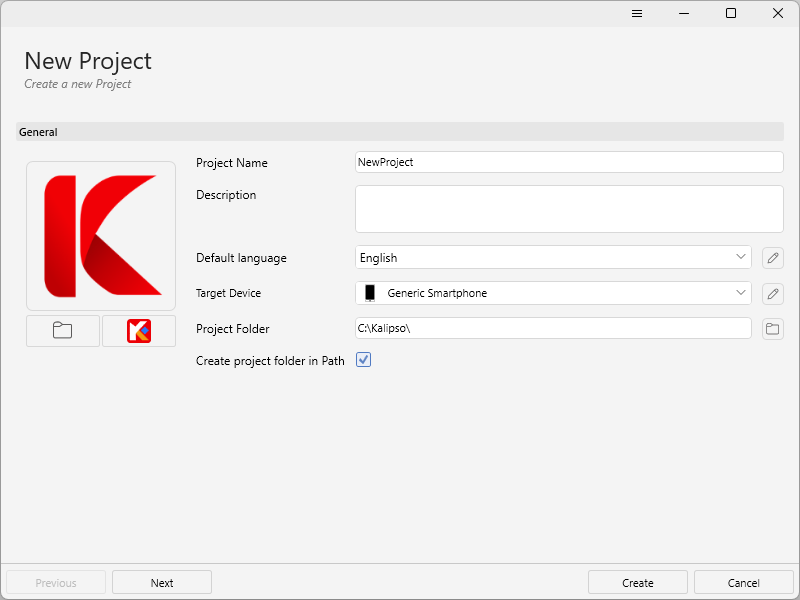
When creating a new project the first step is related to choosing the target device
Possible Devices
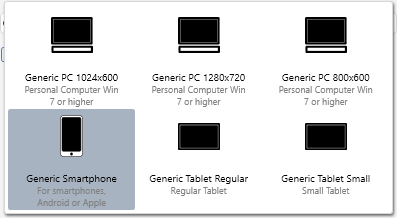
The choice of a terminal type influences the measurements of the project screen to be created.
Press "Create" to finish and create a new project.