Barcode Scan
Scans a barcode with a Barcode device.
info
On Android, if BarcodeConnect was not called, Kalipso will try to scan using the Camera with ML Kit, unless a different library is selected in the Android Camera Scan Mode project property.
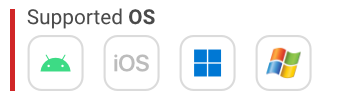
Action available for the following operating systems:
Parameters
- Data - The control or variable that saves the data read from the Barcode device.
- Type - The control or variable that saves the type of readed Barcode.
- Timeout <numeric> - The defined timeout to the scan operation (in miliseconds).
- SoftTrigger - Defines if the user wants to enable automatically the scanner or not. It can be one of:
- Yes - The scanner will be enabled automatically.
- No - The user will have to press the scann button.
info
The timeout is not used when using Camera Scan mode, this is when BarcodeConnect was not called and so Kalipso is using the camera to scan on Android.
info
When scanning with the camera using ML Kit, you can read several barcodes at once. Use Barcode Set Parameter with the MultiBarcode parameters before calling Barcode Scan.