Barcode Set Enabled Symbologie
Sets the enabled symbologies for the Barcode device.
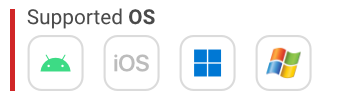
Action available for the following operating systems:
Parameters
- Dynamic <expression string> - The user sets enabled a specified string symbology to be scanned. String containing IDs list separated by Character (Enter).
- Fixed - The user chooses, from a fixed list, the symbologies that he wants to be enabled.
info
The device must also support the enabled symbologies.
warning
This action is not compatible with Newland devices.