Language
Kalipso allows you to develop your Project for several Languages. You can keep all the Project features and simply redefine the texts for each Language.
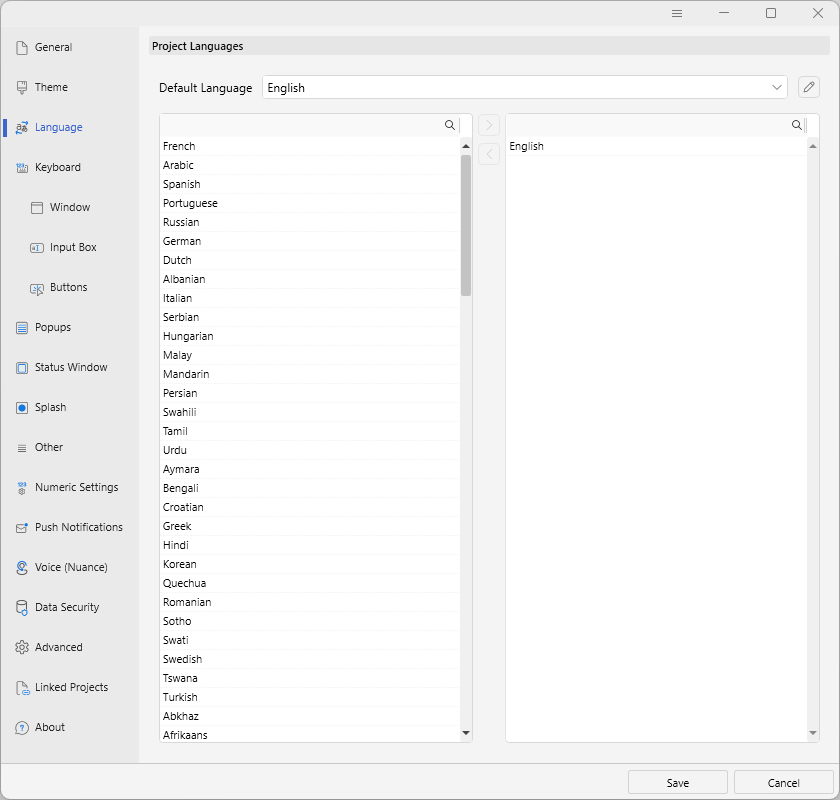
Default Language - Default Language of the Project. This language will be the one displayed by default either in the Designer and in the terminal. Use the pencil button to add your own languages to the list.
Choose the language in the left column and use the arrow buttons to move it to the right column. Both columns have a search box to find a language quickly. After that, the system will be able to make the screens available in the languages listed in the right column. To activate this functionality, just change the default language to the one you want.
Press save at the end to activate.
To see all the available Languages that can be used in Kalipso click here.