Shape

A Shape is a frame composed by a geometric figure: line or rectangle. This Control doesn’t interact with the user. You can use Shapes to stylish your application.
Properties
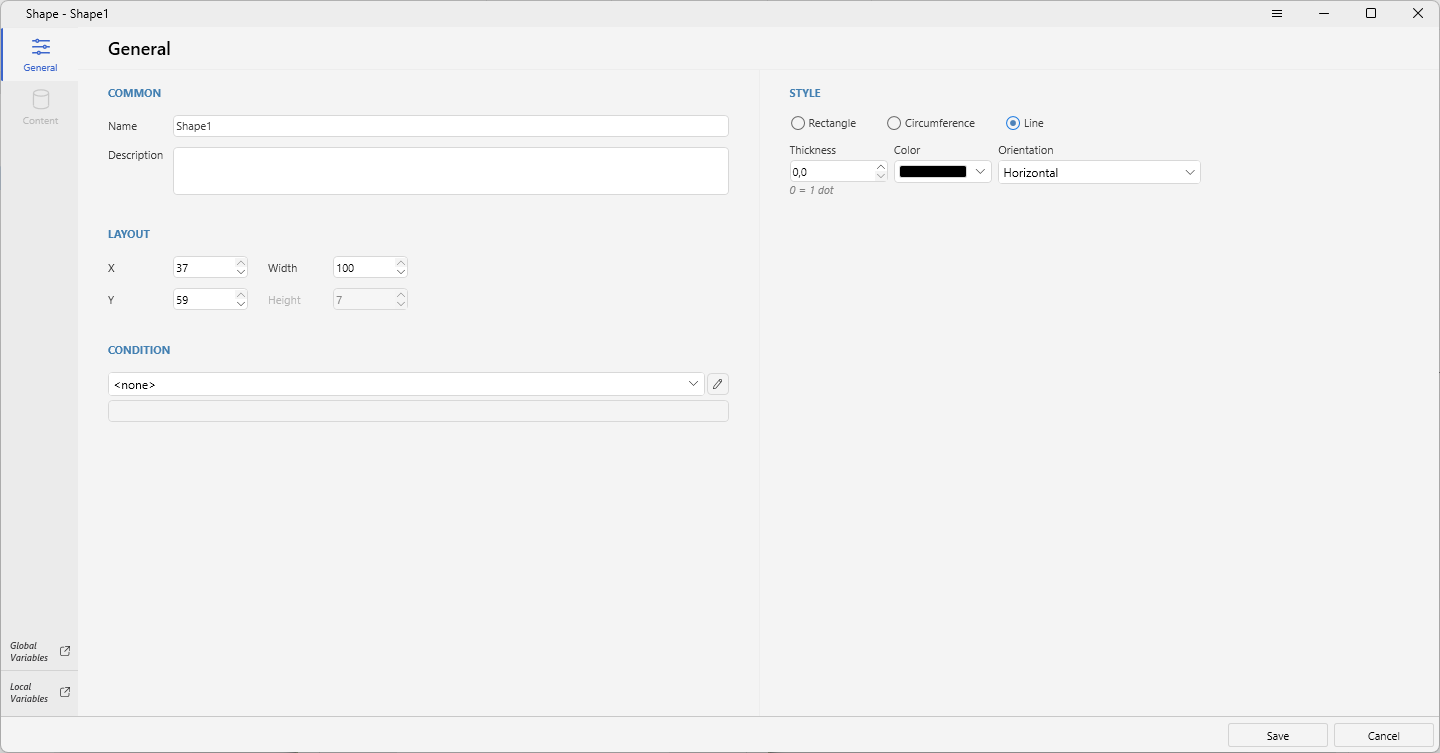
The available options are:
Common
- Name - Name of the Control. This Name will be used to identify the Control throughout the Project. The name of the Control can only contain letters, digits or underscore (_).
- Description - Description of the Control. This Description is for your information only, Kalipso does nothing with it.
Layout
- X - X position of the Control
- Y - Y position of the Control.
- Width - Width of the Control.
- Height - Height of the Control. It is only available when a rectangle or circumference is chosen in style.
Condition
- Condition - Condition to be verified before displaying the control.
When clicked, a list of conditions already created is accessed. However, you can add more by clicking on the icon on the right. Then a new window appears:
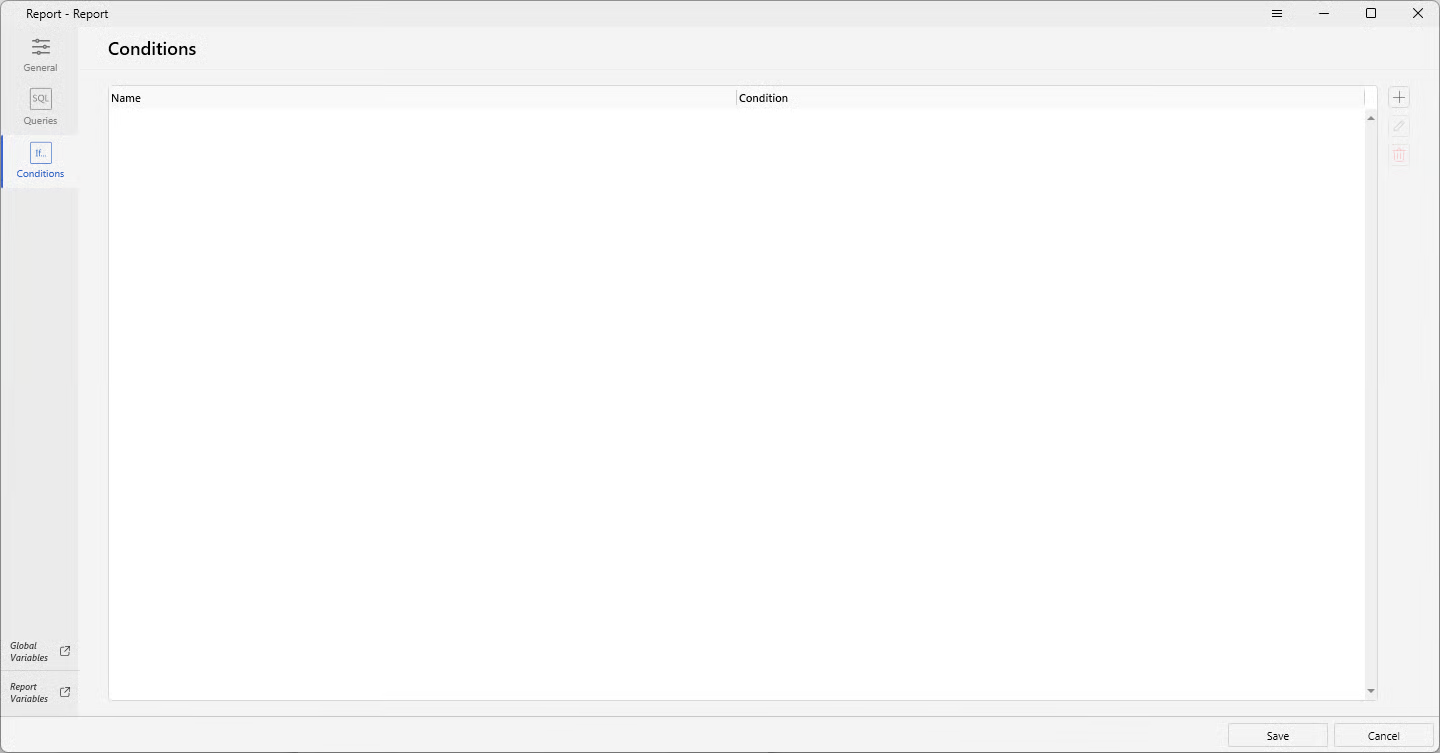
In the table are the conditions already created and on the right side new conditions can be added or edited.
Style
- Shape Type - Its Possible to choose a Rectangule, a Circumference or a Line.
- Thickness - Select the thickness of the shape line.
- Line Color - Select the line color.
- Orientation - The shape orientation.
info
Shape objects cannot overlap with any object other than other shapes in the same form. If you try to place a shape on top of another control it will not appear on top, but under the existing control.