Bluetooth LE Connect to Device
Connects to a specific BLE device.
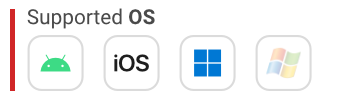
Action available for the following operating systems:
Parameters
Targets
- Address String <string> - Address for BLE Device
- Timeout (ms) <numeric> - Value in Milliseconds
- Target for Name <unquoted string> - The control or variable where the name of the discovered device will be stored.
warning
Many Bluetooth LE devices do not return this value.
info
On iOS, Apple assigns a virtual MAC address to Bluetooth Low Energy devices, so you cannot use the real MAC Address. First you need to use Bluetooth LE Start Scanning to list bluetooth low energy devices, and retrieve the assigned MAC address for the device you want. Then you can use that MAC address to connect to the device.